You open another focus app. You set a timer. You swear this time will be different. Five minutes in—ping! A notification. Then another. Your mind drifts. Again. The cycle repeats. If you’re relying on generic “productivity” tactics designed for neurotypical brains, you’re fighting a losing battle. But there’s a better way: purpose-built digital support that aligns with how the ADHD brain actually functions—not how we wish it would.
The Core Problem: Why Standard Focus Strategies Backfire for ADHD Brains
Most so-called “focus boosters” assume consistent impulse control, linear task execution, and intrinsic motivation. None of those come naturally with ADHD. Pomodoro timers? They often feel like arbitrary constraints that trigger rebellion, not rhythm. To-do lists without external accountability? Vanish into digital oblivion by noon. And don’t get me started on minimalist apps that strip away all sensory feedback—the very thing many with ADHD need to anchor attention.
Here’s the reality: structure without flexibility is just another wall. And walls make restless minds climb—or crash.
How to Choose and Use an adhd attention tool app That Fits Your Neurology
Forget one-size-fits-all. Success hinges on matching features to your specific cognitive profile—not copying what worked for your productivity-obsessed coworker. Start by identifying your dominant ADHD subtype (inattentive, hyperactive-impulsive, or combined) and your primary friction points: task initiation? Time blindness? Emotional dysregulation during work?
Look for Adaptive Task Design
Rigid checklists fail. Instead, seek apps that allow micro-tasking with visual progress bars, voice input, or drag-and-drop urgency sliders. Some even embed gamified rewards tied to real-world consequences (e.g., “If I finish 3 tasks, I unlock 10 minutes of TikTok”). This isn’t childish—it’s behavioral scaffolding.
Prioritize Sensory Anchors Over Silence
Contrary to popular belief, many with ADHD concentrate better with background noise—brown noise, rhythmic beats, or even controlled ambient chatter. Apps that integrate focus soundscapes *within* the workflow (not as separate tabs) reduce context-switching. White noise alone? Often too sterile.
Demand External Accountability Loops
Your future self won’t motivate you. A real human might. Top-tier adhd attention tool app options now include body-doubling features, shared progress boards, or auto-alerts to a trusted contact if you miss a self-set checkpoint. Shame doesn’t work—but gentle social pressure can.
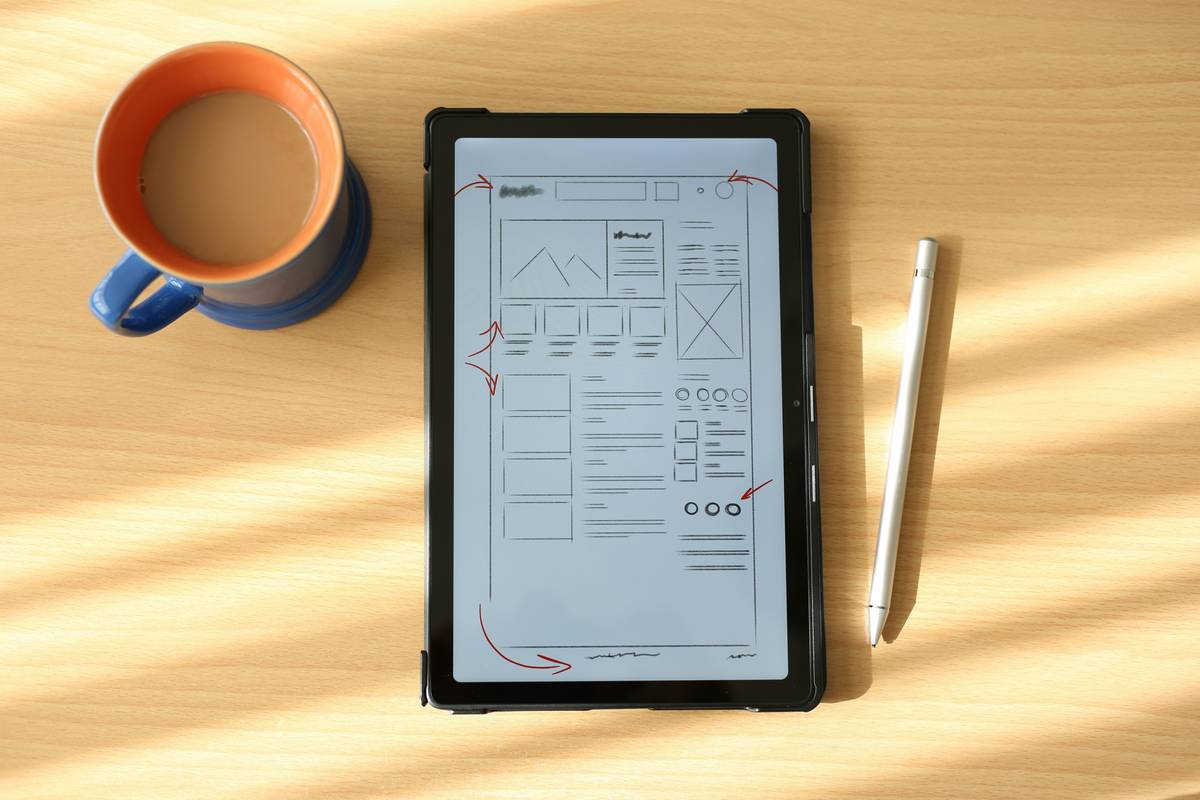
| App Feature | Neurotypical-Friendly | ADHD-Optimized | Why It Matters |
|---|---|---|---|
| Task Entry | Text-only list | Voice + text + image capture | Reduces activation energy for overwhelmed brains |
| Time Tracking | Passive countdown | Dynamic time estimation + buffer alerts | Counters chronic time blindness |
| Motivation | Points system | Real-time peer check-ins + consequence-based rewards | Engages dopamine pathways more reliably |
| Distraction Management | Block all apps | Allowlist essential tools + “distraction sandbox” | Acknowledges that total isolation triggers restlessness |
The Industry Secret: The Best ADHD Apps Aren’t Standalone—They’re Habit Bridges
Here’s what developers won’t advertise: no app fixes ADHD. But the right one can *bridge* intention and action long enough to build neural momentum. The magic happens when the app fades into the background—when using it becomes as automatic as brushing your teeth. That requires two hidden ingredients most reviews ignore: frictionless onboarding (under 90 seconds to first meaningful action) and adaptive decay (gradually reducing prompts as habits solidify). Without these, even the shiniest adhd attention tool app becomes digital clutter within a week. I’ve seen clients thrive not because they found the “perfect” app—but because they used a deliberately imperfect one consistently for 21 days straight. The tool served its purpose: it got them from zero to one.
Frequently Asked Questions
Is there a free adhd attention tool app that actually works?
Yes—but with caveats. Free versions often limit accountability features or sensory customization. Try Focus Bear or Tiimo’s free tier; they offer core ADHD-friendly structures without paywalling essentials.
Can these apps replace medication or therapy?
No. They’re adjuncts, not alternatives. Think of them as cognitive crutches during high-demand periods. Always pair digital tools with professional care from a qualified provider—like those at kuwaitpsychology.com.
How long until I see results using an adhd attention tool app?
If you use it consistently for task initiation (not just tracking), most notice reduced overwhelm within 5–7 days. Real habit formation takes 3–6 weeks. Consistency beats intensity every time.