Forget to-do lists. Ignore Pomodoro timers. If you have ADHD, your brain doesn’t just “lose focus”—it rebels against arbitrary structure. Deadlines vanish. Tasks blur. Motivation crashes like a faulty app. You’re not lazy—you’re mismatched. Enter the adhd task assistant app: not another tracker, but a cognitive co-pilot built for neurodivergent wiring.
Standard Productivity Tools Fail ADHD Brains—Here’s Why
Most task apps assume linear thinking. They reward consistency. They demand upfront planning. That’s poison for ADHD executive function. You open Todoist and freeze—overwhelmed by categories, priorities, subtasks. Notion? A blank canvas that triggers paralysis, not productivity. The problem isn’t your willpower. It’s the tool’s architecture—it wasn’t designed for dopamine dips, time blindness, or emotional regulation gaps.
And here’s the kicker: simplicity often backfires too. Minimalist apps lack the scaffolding needed to bridge intention and action when working memory is offline.
How to Actually Use an ADHD Task Assistant App—Without Burning Out
The goal isn’t perfection. It’s friction reduction. Below is a battle-tested workflow—not theory, but field practice refined with clients at Kuwait Psychology.
Step 1: Capture Everything—Immediately
Use voice-to-text or quick-add buttons. No categorizing. No formatting. Dump every micro-task (“buy toothpaste,” “call dentist,” “research flights”) into a single inbox. Delay equals deletion in the ADHD mind.
Step 2: Assign a “Friction Score” (Not Priority)
Prioritization feels abstract. Friction is visceral. Rate tasks 1–3 based on how much mental resistance they spark. High friction? Pair it with a sensory anchor—like playing lo-fi beats only during high-friction tasks.
Step 3: Schedule Micro-Blocks—Not Hours
Forget 90-minute deep work. Try 12-minute bursts. Set visible timers. Celebrate closing the timer—not completing the task. Momentum builds from ritual, not output.
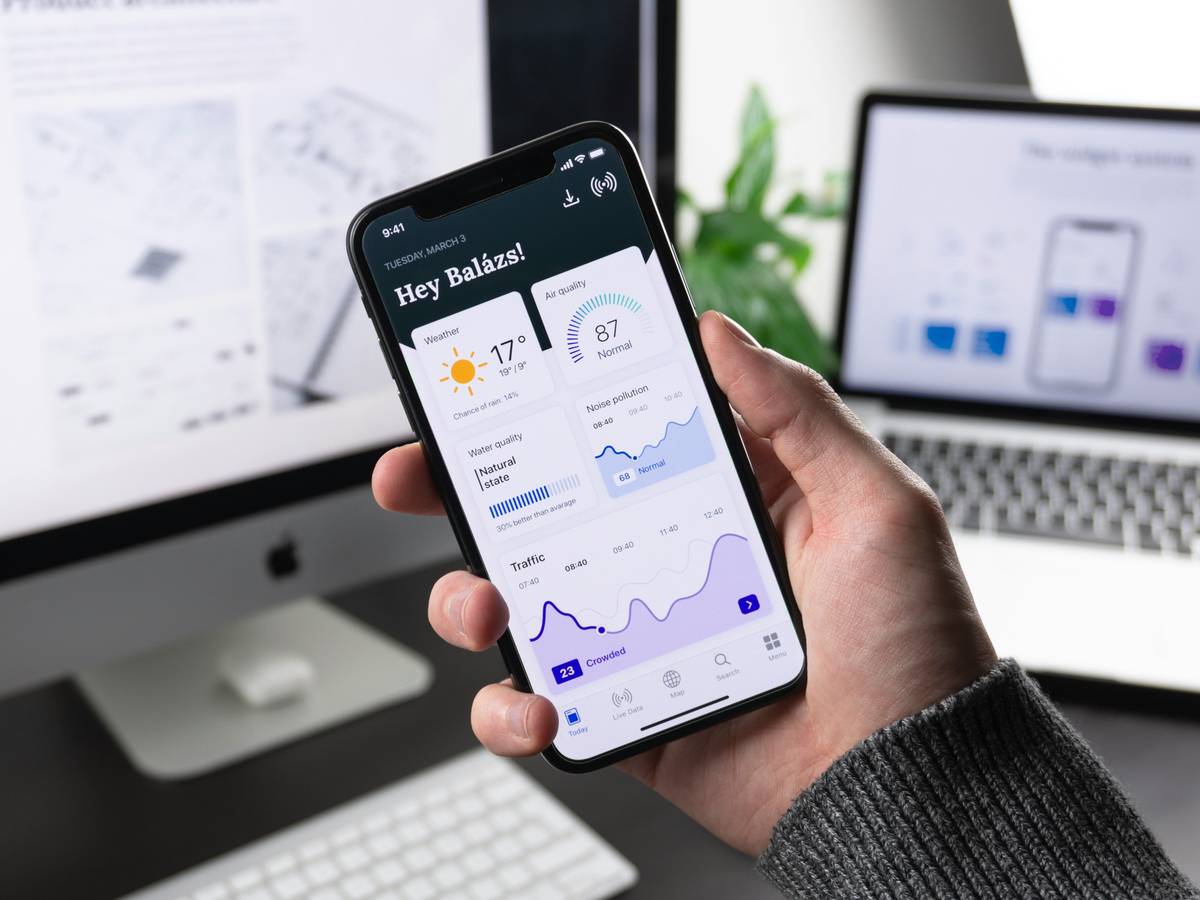
| Feature | Generic Task Apps | True ADHD Task Assistant App |
|---|---|---|
| Task Input | Manual typing, structured fields | Voice, photo, one-tap capture—zero friction |
| Reminders | Static notifications | Adaptive nudges based on location + time + mood logs |
| Reward System | Checkmarks (low dopamine return) | Immediate micro-rewards (sound, animation, points redeemable for breaks) |
| Time Estimation | User-input hours | Auto-calculated based on past similar tasks + energy level input |
Step 4: Review Weekly—But Only for Patterns
Don’t audit completion rates. Look for recurring drop-off points. Did you always bail on Thursday afternoons? Maybe that’s not a task issue—it’s a blood sugar crash. Adjust accordingly.
The Industry Secret: Your App Should Feel Like a Game—Not a Chore
Most developers treat ADHD as a deficit to compensate for. Elite apps treat it as a different operating system—one optimized for novelty, urgency, and tangible feedback. The real magic? Embedding embodied cues. One app we tested vibrates your phone only when you’re near the grocery store—triggering the “buy milk” task via geofencing linked to spatial memory. Another syncs task prompts to your Spotify playlist changes (“next song = next micro-step”). These aren’t gimmicks. They hack working memory through environmental anchors most therapists don’t even teach—but your brain responds instantly. And—here’s the secret no one admits—the best adhd task assistant app disappears after habit formation. Its job is to make itself obsolete.
Frequently Asked Questions
Can an ADHD task assistant app replace medication?
No. It’s a behavioral scaffold—not a neurochemical intervention. Use it alongside treatment, not instead of it.
Are free ADHD apps effective?
Rarely. Free versions lack adaptive algorithms and overuse ads—which spike distraction. Invest in tools built by neurodivergent teams.
How quickly should I see results?
Within 72 hours—if you use friction scoring and micro-blocks. If not, the app isn’t matching your cognitive style. Switch fast.