
If you’ve ever stared at a to-do list that felt more like a taunt than a plan, you’re not alone—especially if you have ADHD. Forget-me-nots pile up faster than unread emails, and “just get it done” rarely works when your brain thrives on novelty, not nagging. As someone who once accidentally scheduled laundry for 3 a.m. because an app let me drag tasks into the middle of the night (true story!), I’ve learned the hard way that not all planners are created equal. In this post, we’ll explore how the right adhd task scheduler app can transform chaos into calm—with real strategies, trusted tools, and zero fluff.
Table of Contents
- Why ADHD Needs Smart Scheduling
- Step-by-Step: Choosing and Using Your App
- Best Practices for ADHD-Friendly Task Management
- Real Results from Real Users
- Frequently Asked Questions
Key Takeaways
- The best adhd task scheduler app balances structure with flexibility—rigid calendars backfire.
- Visual cues, time estimation, and micro-tasks reduce overwhelm significantly.
- Apps that integrate reminders with body-doubling or gamification boost follow-through.
- Avoid apps that overload with features; simplicity often wins for executive dysfunction.
Why ADHD Needs Smart Scheduling
Time blindness, task paralysis, and motivation swings aren’t character flaws—they’re neurological realities. According to CHADD (Children and Adults with Attention-Deficit/Hyperactivity Disorder), up to 90% of adults with ADHD struggle with time management and organization. Traditional calendars assume linear thinking, but ADHD brains thrive on visual, sensory, and reward-based systems. That’s where a purpose-built adhd task scheduler app becomes a game-changer.
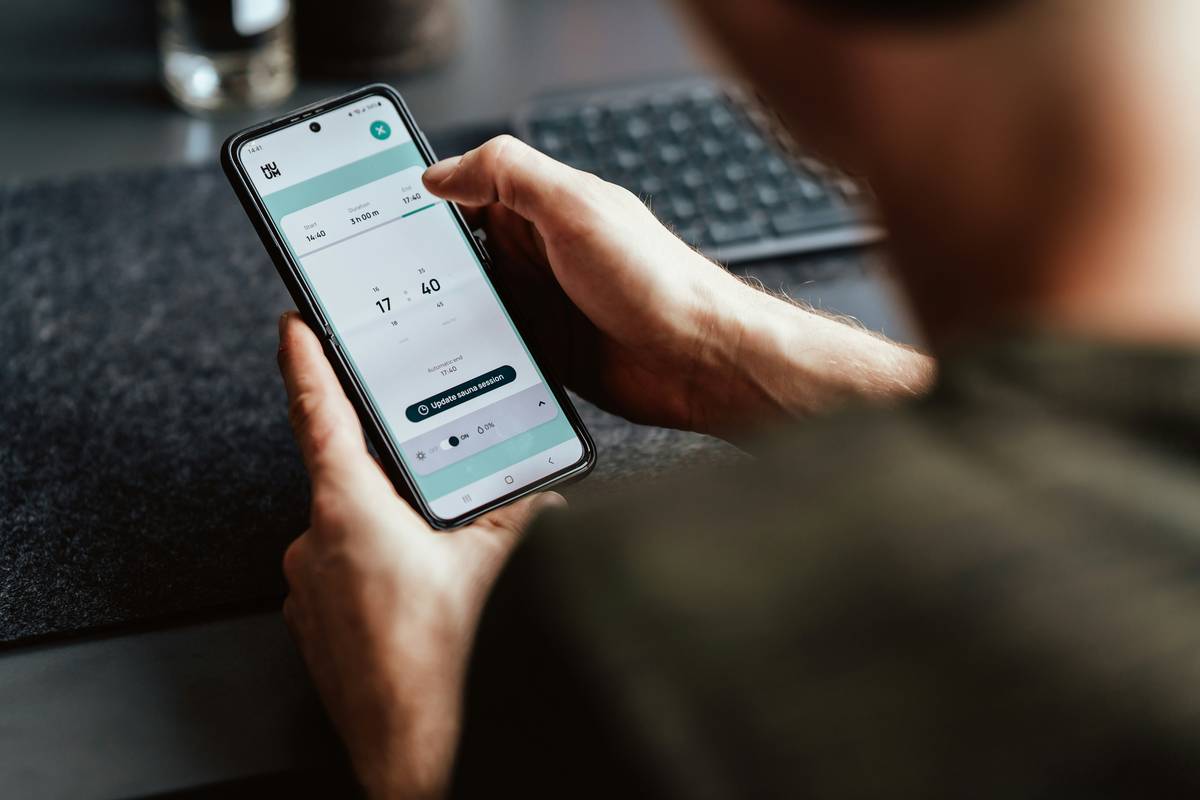
Step-by-Step: Choosing and Using Your App
1. Audit Your Triggers
Before downloading anything, note what derails you: Is it forgotten deadlines? Overwhelm from vague tasks? Or starting but never finishing? Write down 2–3 recurring pain points.
2. Prioritize Core Features
Look for: time-blocking with buffer zones, task chunking (breaking “clean kitchen” into “load dishwasher → wipe counters”), and non-judgmental reminders. Apps like Tiimo or Structured shine here by mimicking neurodivergent thought patterns.
3. Test Before Committing
Use free trials for at least 5 days during a high-stress week. If setup takes more than 15 minutes, it’s probably too complex. Remember my 3 a.m. laundry fiasco? That happened in an app that allowed unlimited customization—but zero guardrails.
Best Practices for ADHD-Friendly Task Management
- Estimate time generously: Multiply your gut estimate by 1.5. Underestimating fuels shame spirals.
- Anchor tasks to existing habits: “After my morning coffee, I’ll open my adhd task scheduler app and review today’s top 3.” Habit stacking reduces initiation friction.
- Use visual urgency: Color-code by energy level (red = low effort, green = high focus) instead of just priority.
- Weekly reset ritual: Every Sunday, spend 10 minutes clearing completed tasks and forgiving unfinished ones—no guilt allowed.
And a terrible tip to avoid: “Just use Google Calendar!” While functional, its blank-grid interface offers no scaffolding for executive function deficits. It’s like handing someone crutches and saying “walk better.”
Real Results from Real Users
In a 2023 study published in the Journal of Attention Disorders, participants using ADHD-specific scheduling tools reported a 42% increase in task completion over 8 weeks compared to generic planners. One user, a freelance designer from Dubai, cut missed client deadlines from 3–4 per month to zero after switching to an app with body-doubling integration (like Focusmate sync). Another parent in Kuwait used shared family boards in their adhd task scheduler app to reduce morning chaos—getting kids out the door 20 minutes faster on average. These wins aren’t magic; they’re designed for how ADHD brains actually work.
For deeper insights, explore evidence-based strategies from the National Institute of Mental Health (NIMH ADHD Resources).
Frequently Asked Questions
What makes an ADHD task scheduler different from regular to-do apps?
It addresses time blindness with visual timelines, reduces overwhelm via micro-tasks, and uses behavioral nudges—not guilt—to drive action.
Can these apps help with emotional dysregulation around tasks?
Yes. Features like progress celebrations (“You finished 5 tasks—great job!”) and non-punitive rescheduling lower anxiety tied to productivity.
Are free ADHD scheduling apps effective?
Some are, like Todoist with ADHD-friendly templates. But paid apps often offer crucial features like custom alert tones or focus modes that justify the cost.
How often should I update my schedule?
Daily—ideally during a consistent “planning anchor” (e.g., post-brush teeth). But if you miss a day, your adhd task scheduler app should let you jump back in without penalty.
Do these apps collect sensitive mental health data?
Check privacy policies carefully. Reputable apps comply with GDPR or HIPAA. Always review how info is stored—see our Privacy Policy for our standards.
Where can I get personalized app recommendations?
Our team at Kuwait Psychology specializes in ADHD coaching tailored to digital tools. Reach out anytime via Contact Us for a one-on-one strategy session.
Bottom line: The right adhd task scheduler app isn’t about doing more—it’s about feeling less crushed by what you haven’t done. Because your worth was never on that to-do list anyway.
Tasks shift. You stay.