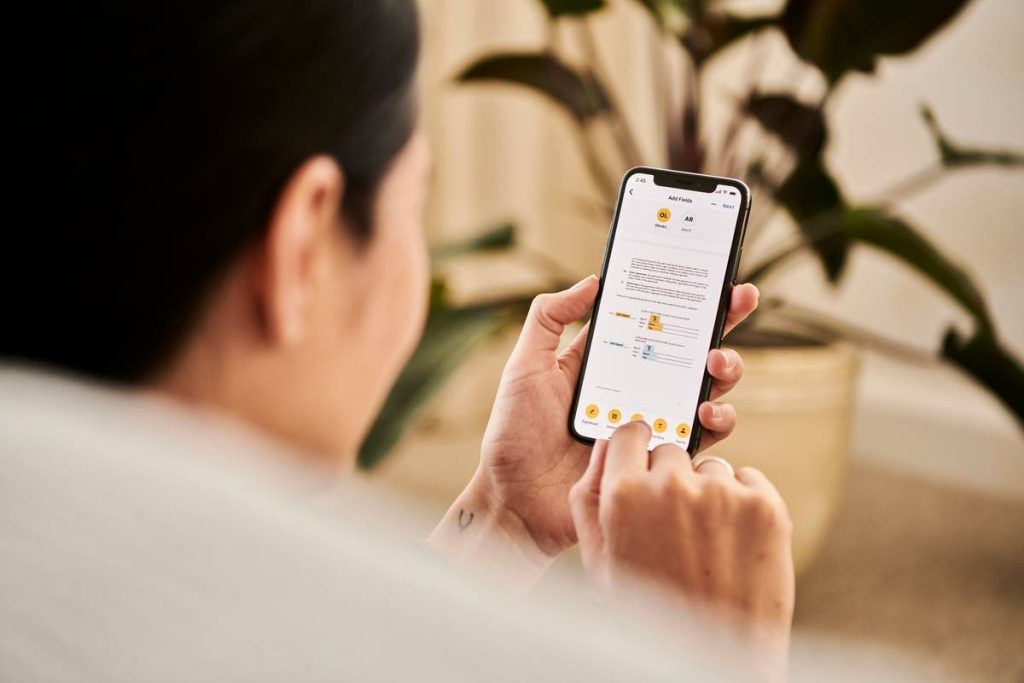
Tasks pile up. Deadlines vanish into thin air. You start three things—and finish none. If you have ADHD, standard to-do lists don’t just fail—they mock you. The real issue isn’t motivation. It’s executive dysfunction masquerading as laziness. Enter the task adhd coordinator app: not another shiny gadget, but a neurological workaround disguised as software.
The Myth of Willpower—and Why Paper Planners Betray ADHD Brains
Traditional productivity systems assume your brain reliably tracks time, prioritizes logically, and follows through. ADHD brains? They operate on urgency, novelty, and emotional salience—not linear checklists. And paper planners? They’re silent. No reminders. No friction reduction. No dopamine hits for micro-wins. You forget the list exists until guilt ambushes you at 2 a.m.
Here’s the reality: structure without adaptability backfires. Rigid schedules trigger resistance. Over-engineered apps add cognitive load. The math is simple—if your tool demands more energy than the task itself, you’ll abandon it. Fast.
How to Choose & Use a Task ADHD Coordinator App That Sticks
Forget “best” apps. Focus on behavioral fit. Your ideal tool must bypass decision fatigue, reward immediacy, and forgive inconsistency. Start here:
Pick Features That Mirror ADHD Neurology
Look for visual timelines over text lists. Prioritize one-tap actions. Avoid nested menus like the plague. Bonus if it integrates with your existing ecosystem (iOS Reminders, Google Calendar)—less setup, more adoption.
Start Microscopically
Input only 1–3 tasks per day. Seriously. Overloading guarantees shutdown. Use the app solely for “non-negotiables”—meds, meals, a single work block. Success breeds habit; overwhelm kills it.
Engineer External Accountability
Enable push notifications that feel like a gentle nudge—not a scolding. Some apps let you share progress with a friend or coach. Leverage that. Isolation magnifies ADHD paralysis.
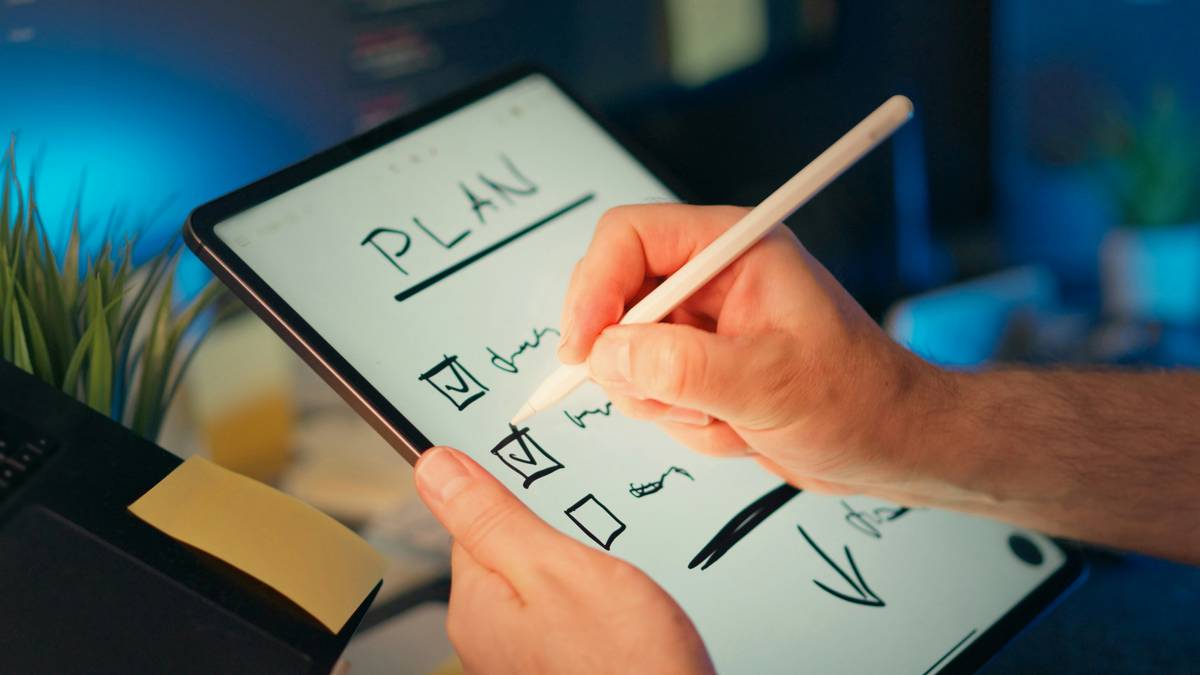
| App Strategy | ADHD-Friendly? | Why It Works (or Doesn’t) |
|---|---|---|
| Color-coded priority tiers | ✅ Yes | Visual processing > abstract labels (“High/Medium”). Red = now. Green = later. |
| Daily auto-resetting task lists | ✅ Yes | Reduces shame of unfinished items. Tomorrow is a clean slate—neurologically essential. |
| Time estimates per task | ❌ No | ADHD time blindness makes this demoralizing. Skip it. |
| Voice-to-task input | ✅ Yes | Lowers activation energy when typing feels like climbing Everest. |
The Industry Secret: Your App Should Feel Like a Game—Not a Chore
Most developers miss this: ADHD engagement thrives on variable rewards and instant feedback loops—the same mechanics in slot machines and TikTok. But ethical design uses those triggers for focus, not distraction. The best task adhd coordinator app layers subtle gamification: streak counters, confetti on completion, or unlocking “focus zones.” Not childish gimmicks—neurochemical reinforcements. Think about it: if closing a task feels mildly satisfying, your basal ganglia will crave repetition. That’s not manipulation. It’s behavioral science meeting compassion.
And here’s what no one admits: consistency matters less than re-engagement velocity. Missed three days? A good app greets you without judgment—just a “Welcome back! Pick one thing.” Perfectionism is the enemy. Momentum is the goal.
Frequently Asked Questions
Can a task adhd coordinator app replace medication?
No. Apps are behavioral scaffolds—not neurochemical interventions. They complement treatment but don’t alter dopamine pathways like prescribed meds.
Are free ADHD apps effective?
Sometimes. But free versions often lack core features like custom notifications or cross-device sync—critical for ADHD reliability. Invest in functionality.
How long until I see results?
Within 3–5 days if you use it for just one anchor task (e.g., morning meds). Don’t wait for “the system” to be perfect. Start tiny.