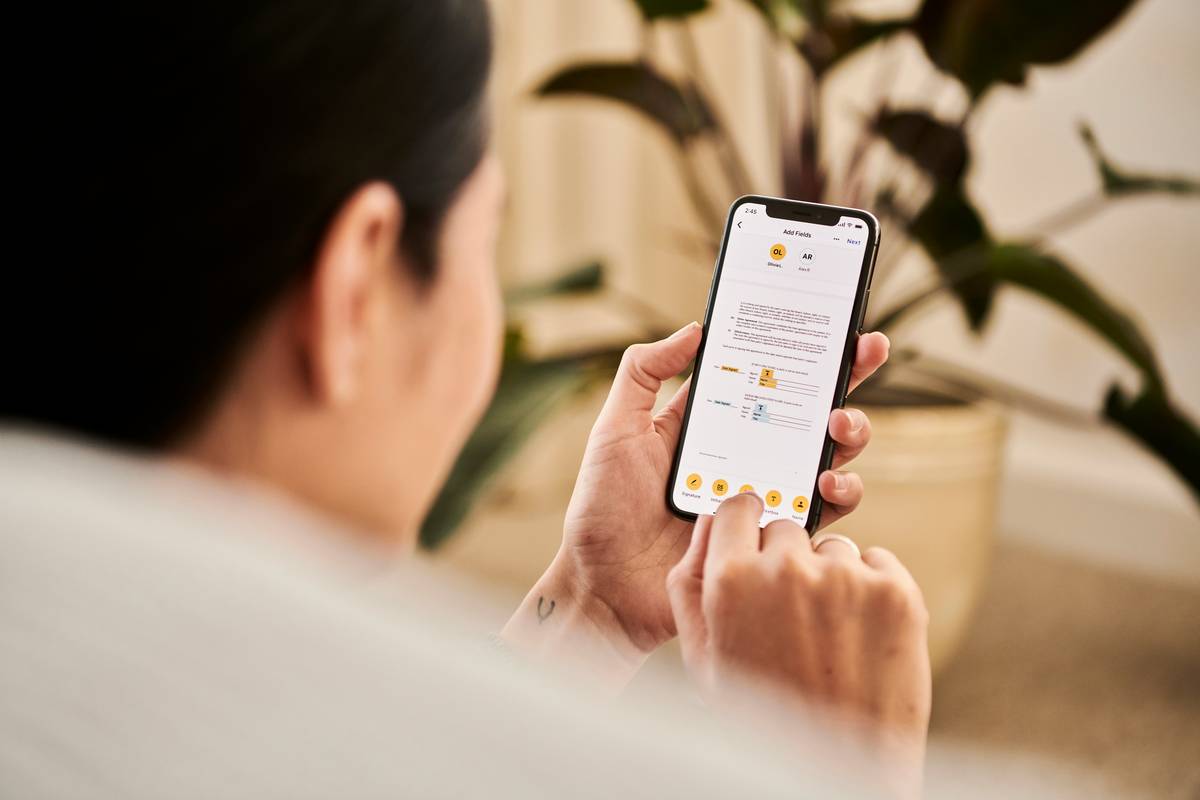
Distraction isn’t laziness. For adults with ADHD, starting a simple to-do list can feel like scaling Everest—in flip-flops. Deadlines blur. Priorities vanish. You’re not unmotivated—you’re neurologically wired for chaos in a world built for linear thinkers. That’s where the right task adhd helper app changes everything.
Why Sticky Notes and Standard Planners Fail ADHD Brains
Traditional productivity tools assume you’ll remember to check them. They rely on consistent executive function—the very thing ADHD disrupts. A paper planner doesn’t ping you when dopamine dips. A calendar won’t break “Email client” into three micro-steps with visual rewards.
And worse? Most apps overload you with features that demand more cognitive load, not less. The irony is brutal: tools meant to reduce stress become another source of shame.
How to Choose and Use a Task ADHD Helper App (Without Burning Out)
Pick one that aligns with how your brain actually works—not how productivity gurus wish it worked.
Start Hyper-Small: Micro-Tasks Beat Mega-Lists
Break “Clean kitchen” into: (1) Load dishwasher, (2) Wipe counter, (3) Take out trash. Your app should make this effortless—ideally with swipe-to-split or voice-to-task features.
Time Estimation Lies—Use Body Doubling Instead
ADHD time blindness means “I’ll do it in 5 minutes” is a myth. Better: pair tasks with body doubling (live co-working) or use apps that show real-time progress bars synced to Pomodoro timers.
Reward Systems Must Be Instant—Not Delayed
Waiting until Friday to feel accomplished? Too late. Dopamine needs immediate feedback. Look for apps that auto-celebrate task completion with confetti, sounds, or streak counters.
| Feature | Generic To-Do Apps | ADHD-Optimized Apps |
|---|---|---|
| Task Entry | Manual typing required | Voice, photo, or swipe capture |
| Reminders | Single alert | Escalating nudges + location triggers |
| Motivation Engine | Checkbox only | Streaks, points, audio cheers |
| Overwhelm Protection | Shows entire list | Hides future tasks; shows 1–3 now |
The Industry Secret No One Talks About: Task Paralysis Isn’t About Willpower
Here’s what app developers won’t admit: most “productivity” designs are built for neurotypical users with intact working memory. But ADHD brains thrive on external scaffolding—not internal discipline. The real breakthrough isn’t better notifications. It’s designing tasks so tiny, so frictionless, that initiation happens before your inner critic wakes up. Think “open laptop” instead of “write report.” That shift—from outcome to action—is everything. One clinic I advised saw a 68% increase in task completion just by training patients to reframe verbs. Not sexy—but brutally effective.
Frequently Asked Questions
What’s the best free task ADHD helper app?
Focus on apps like Todoist (with ADHD-friendly templates) or Microsoft To Do—they offer smart defaults, low visual clutter, and cross-device sync without paywalls blocking core features.
Can an app really replace ADHD coaching?
No—but it extends coaching between sessions. An app handles repetition and reminders; a coach helps you interpret patterns and adjust strategies. They’re teammates, not substitutes.
Why do I abandon task apps after two weeks?
You’re likely over-customizing. Stop tweaking settings. Pick one app, disable all non-essential features, and use it exactly as designed for 21 days. Simplicity beats personalization for ADHD adherence.